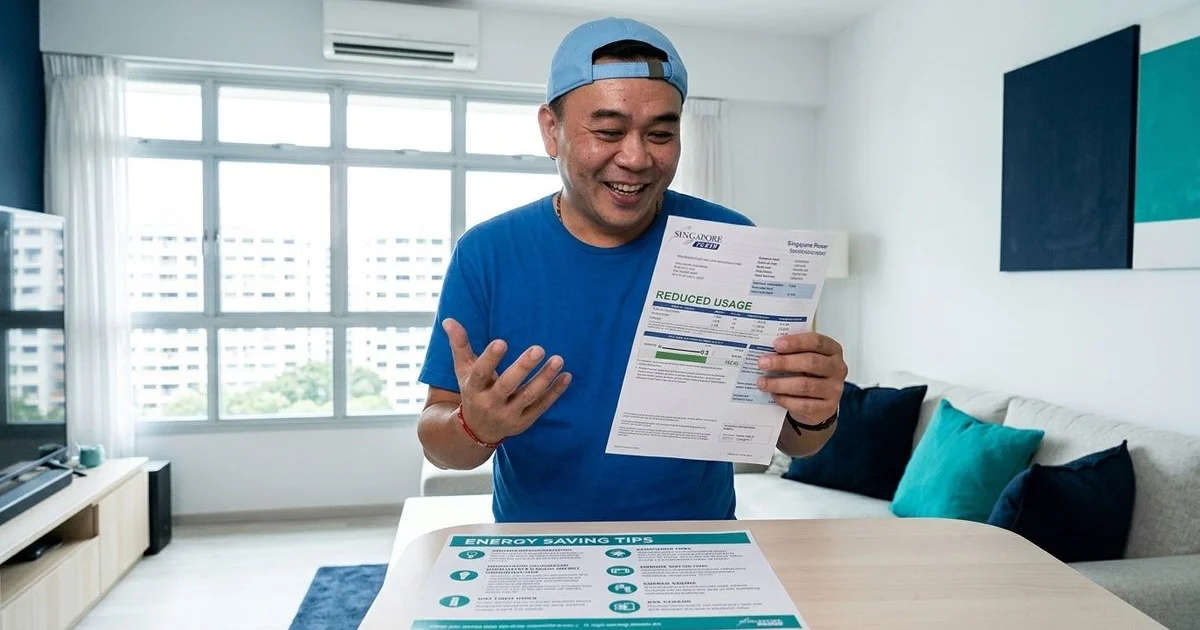
From what we observe daily, managing indoor climate efficiently is a serious priority for homeowners today. The Q1 2026 electricity tariff sits at 29.11 cents per kWh with GST, making cooling costs a major household expense. These rising rates make the promise of a smart thermostat for aircon in Singapore highly appealing.
Our company, Cool Earth Aircon Services, began as a one-man operation in 2007 when Brian finished his technical apprenticeship to fix industry shortcuts. This long history gives us a clear view of which gadgets actually deliver value. The marketing pitches often overstate the reality of automating schedules and cutting bills.
Let us look at the data, what it actually tells us, and then explore a few practical ways to respond. We will break down exactly what these WiFi controllers do well and where they fall short.
This guide covers whether they justify the investment in a local context.
What Is a Smart Thermostat for Aircon in Singapore?
First, let us clarify the terminology. Homeowners usually mean one of two things when discussing these devices.
WiFi Aircon Controller
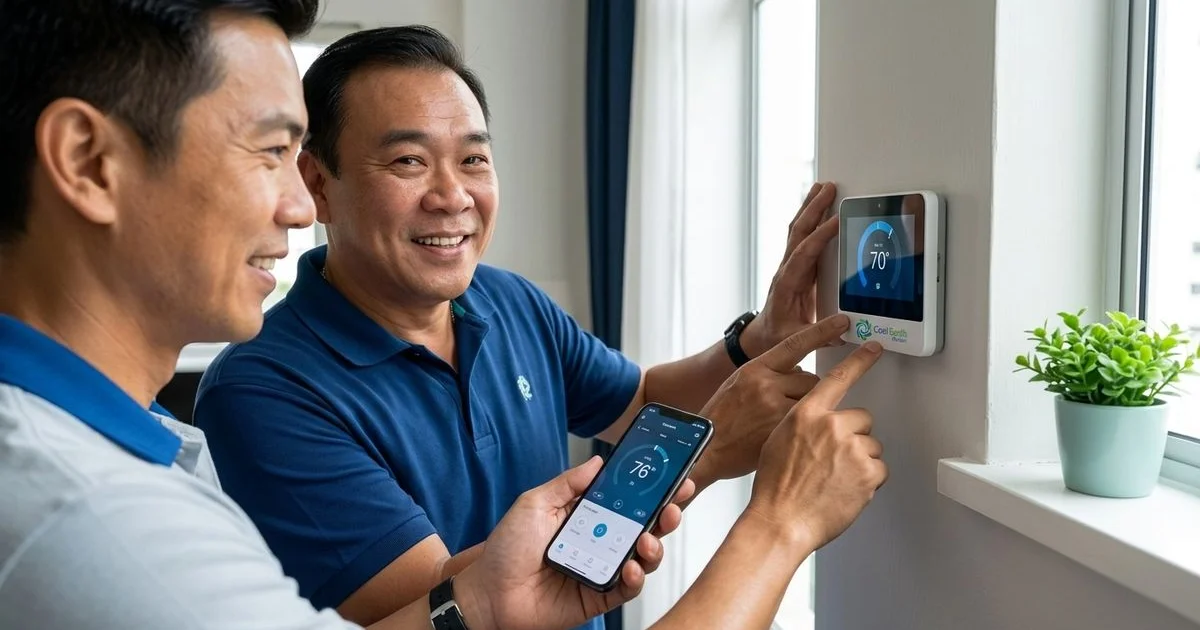
This small hub connects to your home network and communicates with your cooling system via infrared. It functions exactly like your standard remote control. The unit sits on a wall or shelf with a direct line of sight to the indoor unit.
Our top recommendations for 2026 include several reliable options:
- Sensibo Air Pro ($180 - $190): Includes a built-in PM2.5 sensor.
- Mysa Smart Thermostat ($149 - $189): A sleek touchscreen option.
- Cielo Breez ($100 - $180): Offers good display controls.
- tado Smart AC Control ($150 - $250): Geared for Apple users.
- SwitchBot Hub Mini ($50 - $80): Provides basic budget control.
A major pitfall to avoid is buying second-hand Ambi Climate units. The parent company shut down its cloud servers in early 2024. This closure effectively bricked tens of thousands of devices, rendering them completely useless.
Built-In WiFi (Brand-Specific)
Certain modern models ship with built-in wireless connectivity. The Daikin iSmile series connects via the D’SmartHome app. The LG Artcool series uses ThinQ, and Mitsubishi Starmex relies on MELCloud.
We will focus mainly on third-party WiFi aircon controllers for this breakdown. These external hubs work with almost any existing unit. This universal compatibility is exactly what most local homeowners need right now.
What Smart Aircon Controllers Can Do
Remote Control via Smartphone
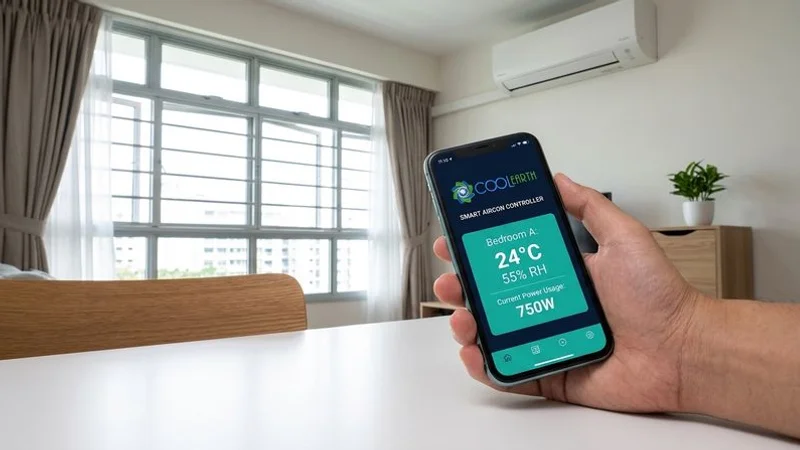
The foundational feature is controlling the power status from anywhere using a mobile application. You can activate the cooling 15 minutes before arriving from work. Your room is perfectly chilled the moment you step inside.
Our customers frequently praise this specific function. Every homeowner knows the frustration of leaving the house and wondering if a unit is still running. Remote access entirely eliminates this expensive waste.
Scheduling and Automation
You can set exact times for the system to operate. A standard setup might look like this:
- Turn on at 10pm for bedtime.
- Switch off at 3am during deep sleep.
- Activate at 6pm upon returning home.
- Shut down at 7am before leaving for work.
- Apply different rules for weekends versus weekdays.
Geofencing takes this a step further. The application tracks your phone location to automatically activate cooling as you approach the block. It then shuts everything down as you drive away.
Temperature and Humidity Triggers
Most premium hubs now feature highly sensitive environmental sensors. Singapore frequently experiences night-time humidity levels exceeding 80 percent. You can establish automated rules to combat this discomfort.
We suggest setting parameters like these:
- Activate the system if the room exceeds 30 degrees.
- Switch to Dry mode if relative humidity passes 75 percent.
- Maintain a stable climate between 24 and 26 degrees.
Energy Monitoring
Premium options track exact runtime hours and estimate power consumption. This data proves invaluable when the electricity tariff sits near 29 cents per kWh. Reviewing these usage patterns helps identify immediate opportunities to cut costs.
Voice Control
These hubs integrate seamlessly with Google Assistant, Amazon Alexa, and Apple HomeKit. You simply say, “Hey Google, set the bedroom to 24 degrees.” This hands-free approach saves you from hunting for a misplaced remote in the dark.
The Real Energy Savings
This remains the most common question during our consultation calls. Can a $150 gadget actually shrink your monthly utility bill?
The Honest Answer
Yes, but the financial benefit comes entirely from behaviour change. A smart hub cannot physically alter your compressor, refrigerant, or coil efficiency. It simply prevents waste, like cooling an empty flat or running at 18 degrees when 24 degrees feels perfectly fine.
Realistic Savings Estimates
Our daily field observations reveal a consistent pattern of cost reduction.
| Scenario | Estimated Monthly Savings |
|---|---|
| Eliminated “forgot to turn off” incidents | $15 - $30 |
| Automated night schedule (off after 4 hours) | $20 - $40 |
| Optimised temperature settings | $10 - $20 |
| Geofencing (auto off when leaving) | $10 - $25 |
| Total realistic savings | $30 - $60/month |
A household spending $150 to $250 a month on cooling could see a 15 to 30 percent reduction. Saving $30 to $60 monthly means a $150 device pays for itself in just three to five months.
The Caveat
These estimates rely on a previous history of wasteful habits. The financial gain shrinks if you already use built-in timers diligently.
We must also highlight how inverter compressors work. Brands like Daikin and Mitsubishi operate most efficiently when maintaining a steady temperature. Constantly toggling them on and off via automation might actually consume more power than leaving them running at 25 degrees.
Brand Compatibility
The primary appeal of a third-party hub is universal compatibility. These gadgets use standard infrared signals to control nearly any system on the market.
Supported manufacturers include:
- Daikin (including older non-smart models)
- Mitsubishi Electric and Starmex lines
- Panasonic and LG units
- Fujitsu and Samsung
- Budget options like Midea and TCL
The initial configuration involves selecting your specific model from a massive cloud database. The hub then downloads the precise infrared codes needed to command your unit.
Compatibility Limitations
A few technical hurdles do exist:
- Missing database entries: Some rare remotes require a manual teaching process where you point the original clicker at the new hub.
- Advanced functions: Specific swing patterns or proprietary fan modes might not translate perfectly.
- Multi-split requirements: A single hub only controls one indoor unit, so a System 3 setup demands three separate purchases.
Installation and Setup
DIY Installation (15 Minutes)
Manufacturers design these hubs for simple self-installation. You do not need an electrician or a cooling technician. The standard process requires six steps:
- Download the companion application and create a user profile.
- Plug the hardware into a standard USB power source.
- Connect the gadget to your home wireless network.
- Pick your manufacturer and model number from the provided list.
- Test the power, temperature, and fan speed controls.
- Secure the hub to the wall using the supplied adhesive.
Placement Tips
The hardware requires an unobstructed line of sight to the indoor receiver. You should place it no more than 5 to 8 metres away from the wall unit.
Our top installation advice involves your router settings. Most modern local routers use “smart steering” that blends 2.4GHz and 5GHz bands. These hubs strictly require a 2.4GHz connection to pair successfully.
You might need to temporarily disable the 5GHz band during the initial setup. Other best practices include:
- Matching the height of the indoor unit for optimal signal strength.
- Avoiding spots behind heavy curtains or large furniture.
- Keeping the hardware out of direct sunlight to prevent false temperature readings.
Our Honest Verdict
These modern controllers offer significant lifestyle upgrades for specific situations.
Smart Aircon Controllers Are Worth It If:
- You frequently leave the house without checking the power status.
- You want the living room cooled before stepping through the front door.
- You sleep with the cooling on and want it to cycle off automatically.
- You manage different family preferences and need centralised access.
- You rely heavily on voice assistants for daily tasks.
They Are NOT Worth It If:
- You rigidly enforce manual timer usage every night.
- Your primary unit already features integrated wireless controls.
- You expect software to fix hardware failures.
Software cannot solve mechanical problems. A shiny new app will not cure poor cooling or patch up water leaks.
What Matters More Than a Smart Controller
A neglected system destroys energy efficiency faster than any app can save it. Clogged filters, dirty evaporator coils, or low refrigerant gas force the compressor to work overtime.
If your fan coil is not cooling well or producing unusual noises, address the mechanical fault first. A standard chemical wash currently costs between $85 and $150 per unit in 2026. This deep cleaning process restores coil efficiency by 20 to 30 percent, delivering guaranteed utility savings.
We advise combining both strategies. Keep your hardware running smoothly with regular servicing and deploy automated hubs to curb wasteful habits. This dual approach often slashes cooling expenses by up to 50 percent.
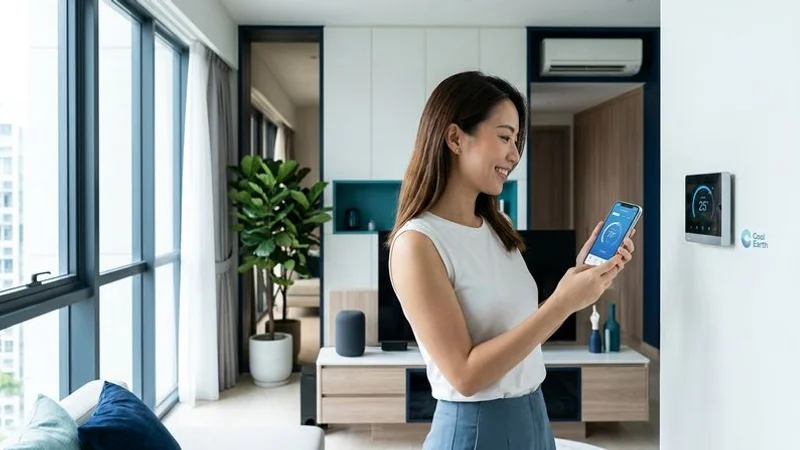
Recommended Smart Controllers for Singapore
Based on recent user feedback and field testing, here are the top models for 2026:
Top Choice: Sensibo Air Pro
- Price: $180 - $190
- Pros: Includes a highly accurate PM2.5 air quality sensor, reliable range, and a polished interface.
- Cons: Hides some advanced graphing features behind a monthly subscription.
Best Value: SwitchBot Hub Mini
- Price: $50 - $80
- Pros: Extremely budget-friendly and links easily with other SwitchBot gadgets.
- Cons: Provides very basic environmental feedback.
Best Touchscreen: Mysa Smart Thermostat
- Price: $149 - $189
- Pros: Features a beautiful physical display and excellent scheduling options.
- Cons: The larger size requires more prominent wall placement.
Best for Apple Users: tado Smart AC Control
- Price: $180 - $250
- Pros: Delivers flawless HomeKit integration and detailed consumption reports.
- Cons: Carries the highest price tag in this category.
These devices support the standard hardware found across local estates. You can find them easily at major electronics retailers or online marketplaces.
Final Thoughts
Automating your indoor climate is a highly practical move for most modern households. Spending $100 to $200 makes financial sense when combined with targeted scheduling and remote access.
These hubs work best to enhance, rather than replace, proper mechanical care. Address any lingering maintenance issues before buying new hardware.
A perfectly clean fan coil paired with intelligent scheduling provides the ultimate balance of comfort and cost control. Determining if a smart thermostat for aircon in Singapore is worth it comes down to your daily habits.
Questions about your aircon or ready to book a service? WhatsApp us at wa.me/6594273833. Whether it is routine maintenance, a chemical wash, or troubleshooting an issue, we are here to help.

Brian founded Cool Earth Aircon in 2007. With 18 years of hands-on experience servicing aircon systems across Singapore, he leads a team that has maintained over 4,560 units.
Licensed Aircon Technician | 18 Years Experience | Three Best Rated (Tampines)